
DLSS upscaling
DLSS is NVIDIA’s AI upscaler. With it on, the character engine renders internally at a lower resolution and DLSS reconstructs the full-quality image — the picture stays sharp while your GPU works noticeably less hard, which keeps fans quiet and leaves headroom for the local AI models.
What you need
Section titled “What you need”| Platform | Windows |
| GPU | An NVIDIA RTX card (any generation) |
No file, no key, no setup: DLSS ships inside Unclaw and is on by default on supported hardware. On a non-NVIDIA GPU the switch simply has no effect and Unclaw renders natively — everything else works the same.
The switch
Section titled “The switch”Settings → Graphics → Upscaling. Toggling it applies immediately, no restart needed.
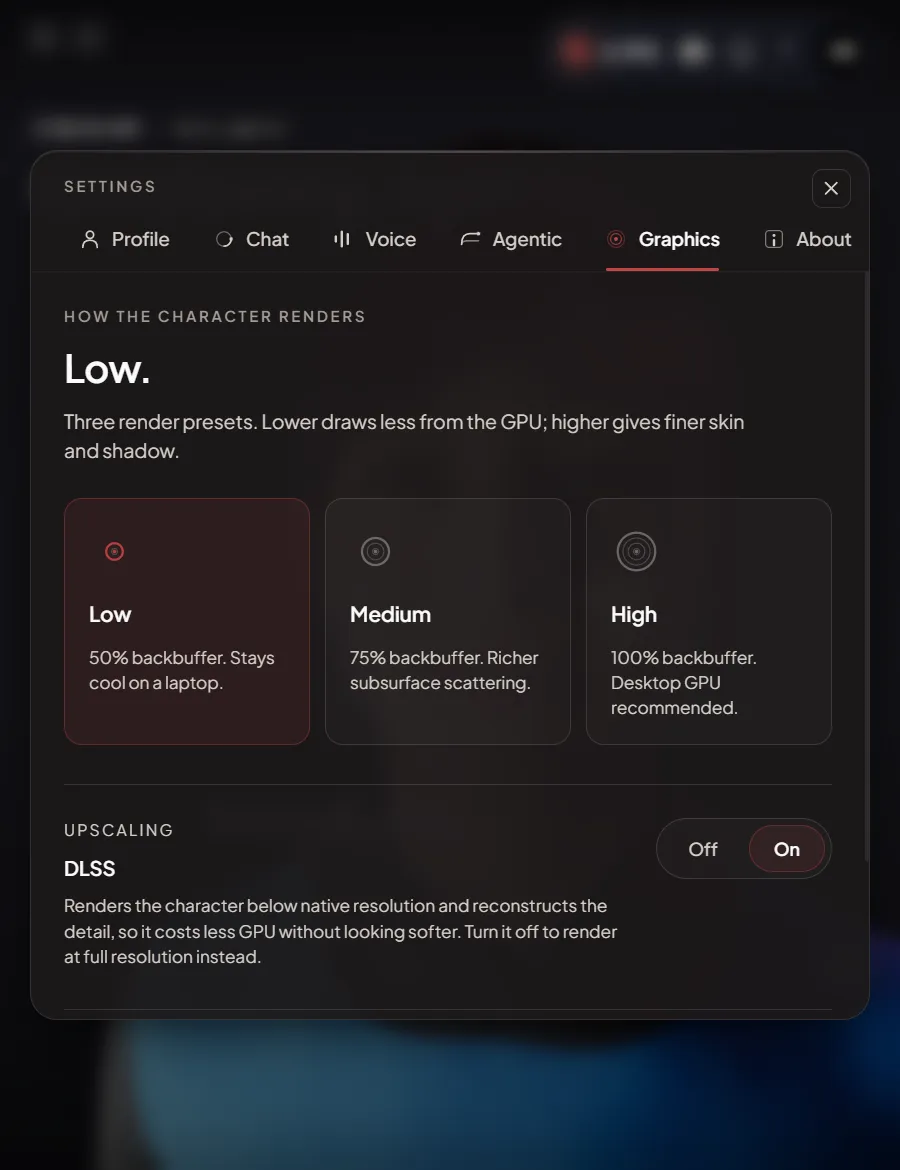 Leave it on unless you are chasing a visual comparison —
off means full native-resolution rendering and a hotter GPU for the same
picture.
Leave it on unless you are chasing a visual comparison —
off means full native-resolution rendering and a hotter GPU for the same
picture.
Going further
Section titled “Going further”If you have access to NVIDIA’s DLSS 5 early-access program, one extra file upgrades this switch to full DLSS 5 Neural Rendering.